Hawaii Cell Phone Coverage: What to Expect on Every Island

Will your phone work in Hawaii? For most visitors, the answer is yes, with an asterisk. Coverage is excellent in Honolulu, Waikiki, and every major resort area, but it fades fast on remote drives and trails. The Road to Hana, the Saddle Road, and the Nā Pali Coast all have long stretches with no bars at all. This guide shows you how to check coverage before you go, which dead zones to expect, and how to stay connected anyway.
This is the single complete guide to Hawaii cell phone coverage. It covers how to use the FCC coverage map, the carriers that serve the islands, the dead zones on each island, WiFi options, advice for international visitors, dead-zone preparation, and emergency options without signal. If you have been searching for anything about cell service in Hawaii, the answers are all here on this one page.
The Short Answer: Good Coverage, Real Gaps
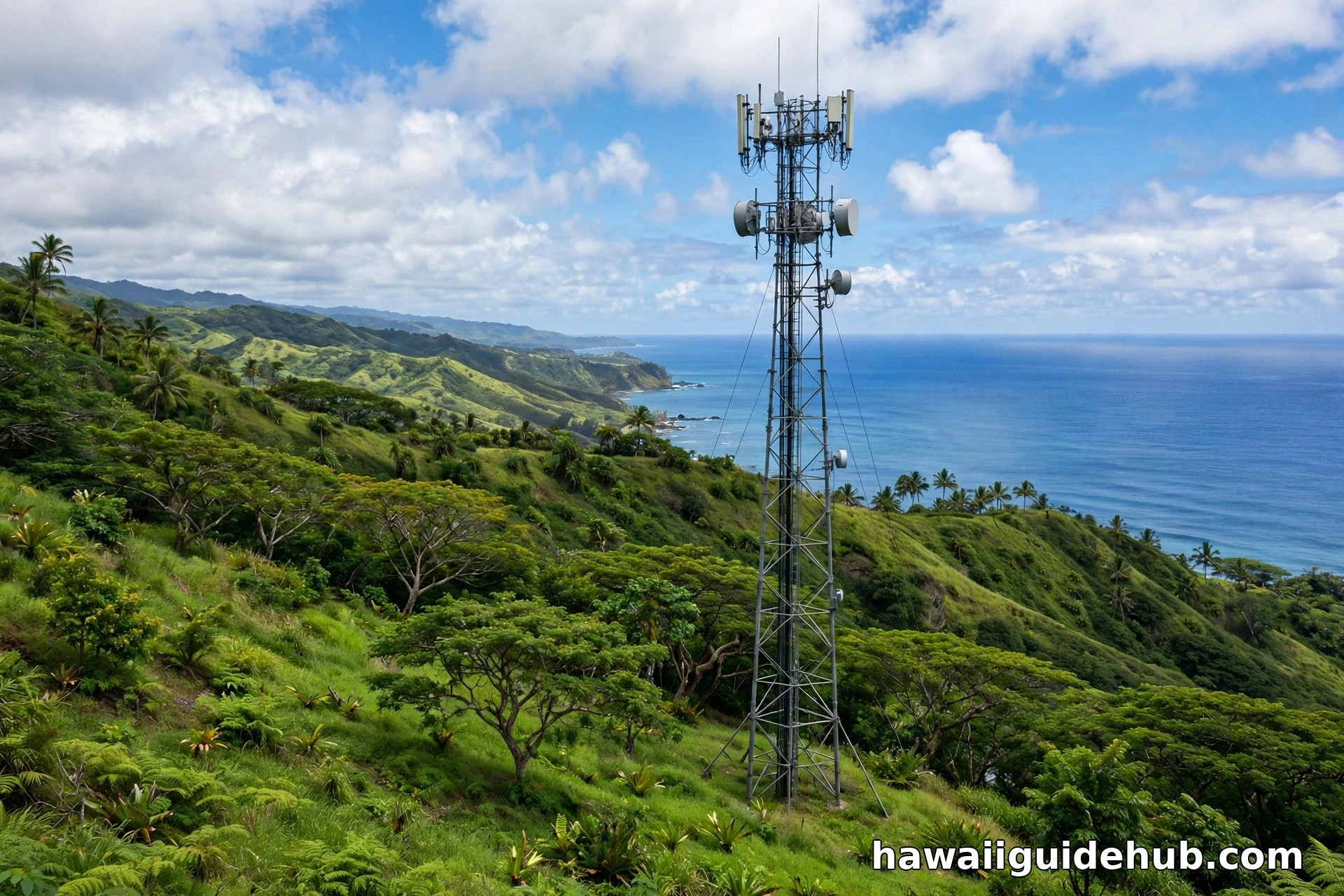
Hawaii is well covered where people actually live and stay. All four major U.S. carriers, AT&T, T-Mobile, UScellular, and Verizon, operate in the islands, and 5G is available in urban cores like Waikiki and downtown Honolulu. In resort areas, towns, and along main highways, you will generally have strong 4G LTE or 5G. The gaps appear where the terrain wins: deep valleys, volcanic slopes, and long rural roads where mountains block the signal between you and the nearest tower.
Think of Hawaii coverage as a hub-and-spoke pattern. The hubs, Honolulu, Kahului, Lihue, Kailua-Kona, Hilo, are solid. The spokes, scenic drives and backcountry trails, are where your phone goes quiet. That is manageable once you expect it, because the places with the worst signal are also the places where preparation matters most.
How to Check Coverage Before You Go
The most trustworthy tool is the FCC National Broadband Map at fcc.gov/BroadbandData. Its mobile map shows 3G, 4G, and 5G coverage for AT&T, T-Mobile, UScellular, and Verizon, with separate layers you can toggle to compare carriers side by side in the exact area you will visit. Zoom into your hotel, your hiking trailhead, or the route you plan to drive. One important caveat from the FCC: the mobile coverage shown represents where you can expect a connection outdoors or in a moving vehicle, not indoors, so treat building interiors as a step down.
Your own carrier’s coverage map is the second check. Carrier maps tend to be optimistic, since they show modeled coverage, but comparing your carrier’s map against the FCC map gives you a realistic picture. Do this check on WiFi before you leave home, not from the rental car lot. If you are choosing between carriers or deciding whether to buy a local SIM, the side-by-side FCC layers are the deciding evidence.
Where You Are Likely to Lose Signal
Every island has its famous dead zones, and they cluster around the same kinds of places: winding mountain roads, deep valleys, and high volcanic slopes. On Maui, the Road to Hana is the classic example, with long stretches of no service between Paia and Hana, and the summit area of Haleakalā has limited to no service, which is why rangers tell sunrise visitors to download their reservation confirmations in advance. On the Big Island, the Saddle Road between Mauna Kea and Mauna Loa crosses miles of empty lava fields with patchy coverage, and rural stretches of the Hamakua Coast and lower Puna are notoriously spotty.
On Kauai, the Nā Pali Coast is essentially off the grid, which matters for hikers on the Kalalau Trail, and parts of the North Shore lose signal behind the mountains. On Oahu, coverage is the best of any island, but you can still drop out in the valleys of the Koolau Range and on remote windward hikes. Molokai and Lanai have the thinnest coverage of all, with service concentrated around the main towns. The pattern is consistent: if the road is scenic and remote, assume your phone will be quiet for parts of it.
Which Carrier Works Best in Hawaii?
There is no single winner. All four major carriers serve Hawaii, and the best one depends on exactly where you are going. One carrier may lead in Honolulu while another holds up better on the Big Island’s rural highways. Visitor reports vary by island and even by neighborhood, which is why the FCC map comparison matters more than any ranking. If you already have a U.S. plan with one of the big carriers, it will work in Hawaii the same way it works at home.
What matters more than the carrier name is the network generation. 5G covers the urban cores and is expanding, while 4G LTE does the heavy lifting everywhere else. If your phone is 5G capable, you will see the 5G icon in Waikiki, downtown Honolulu, and other dense areas. In rural Hawaii, LTE is the realistic expectation, and it handles maps, messaging, and browsing fine. Do not buy a new plan just for Hawaii unless the FCC map shows your carrier is weak where you are headed.
Staying Connected on WiFi
Hawaii’s WiFi fills most of the gaps that cellular leaves. Virtually every hotel and vacation rental offers free WiFi, and it is generally fast enough for video calls. Airports, shopping centers, cafes, and many restaurants offer free connections too. The practical rhythm of a Hawaii trip becomes: do your heavy phone work on hotel WiFi in the morning, then head out knowing the remote stretches will be quiet.
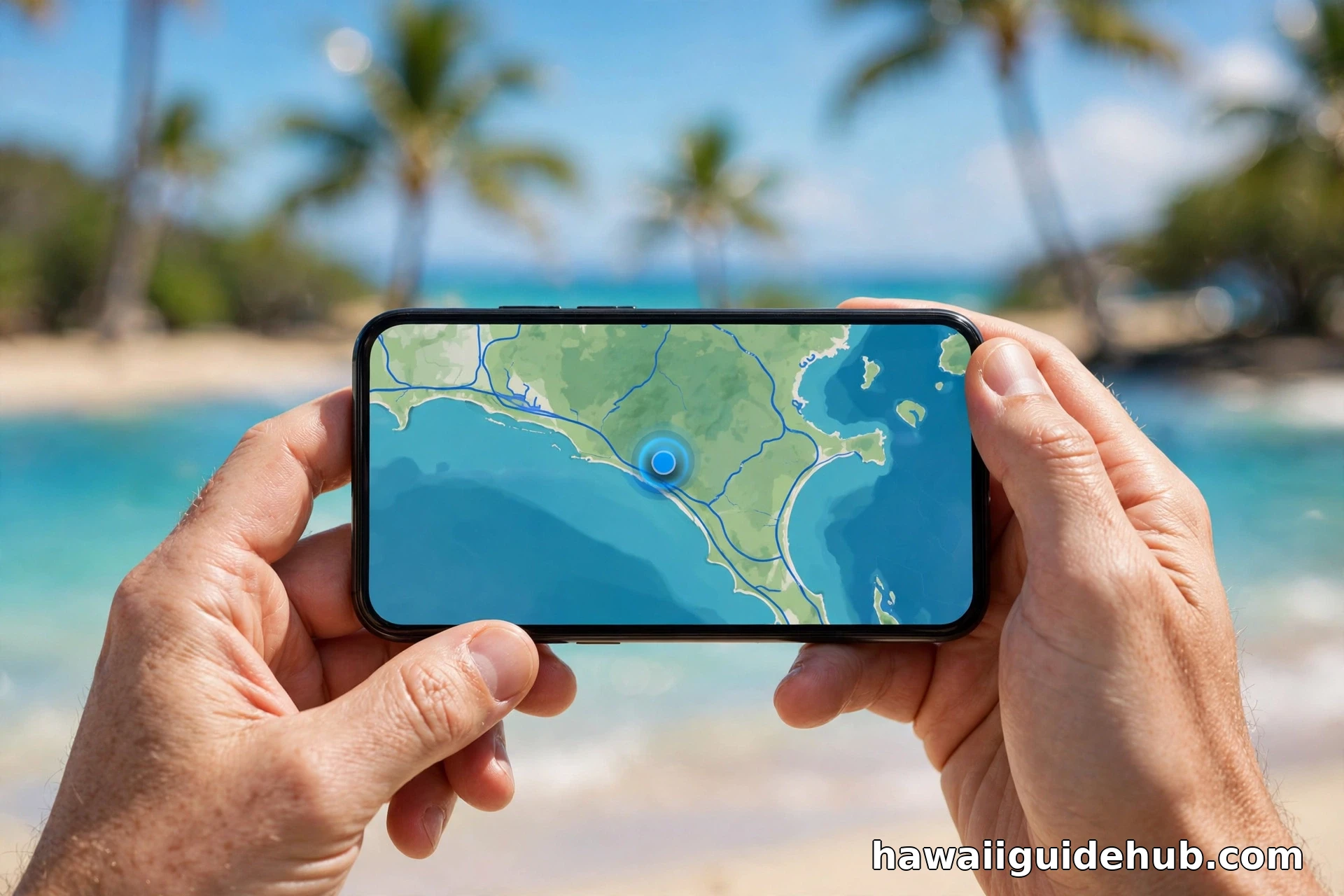
Enable WiFi calling before your trip. It lets your phone make and receive calls and texts over WiFi as if you had full bars, which turns every hotel lobby and cafe into a phone booth. It costs nothing extra on most plans and works internationally too. Also download offline maps for the areas you will visit while still on WiFi. Google Maps lets you download entire regions, so navigation keeps working with zero bars, which is exactly what you want on the Road to Hana.
For International Visitors: Roaming, eSIMs, and Local SIMs
If you are visiting from outside the United States, sort out your phone plan before you fly. Check what your home carrier charges for U.S. roaming; some include it, others charge painful daily rates. A travel eSIM for the United States is often the cheapest and easiest option: you buy it online, install it before departure, and land with data working. Make sure your phone supports eSIM and is unlocked.
The alternative is a prepaid U.S. SIM card, sold at phone stores and big-box retailers in Hawaii. Your phone must be unlocked to use one, meaning it is not tied to your home carrier, so verify that before you travel. Airport shops sell SIMs at a premium; a carrier store or big-box retailer in town is cheaper. Either way, your U.S. number works across all the islands with no inter-island roaming charges, because Hawaii is one domestic market.
What to Do Before You Hit a Dead Zone
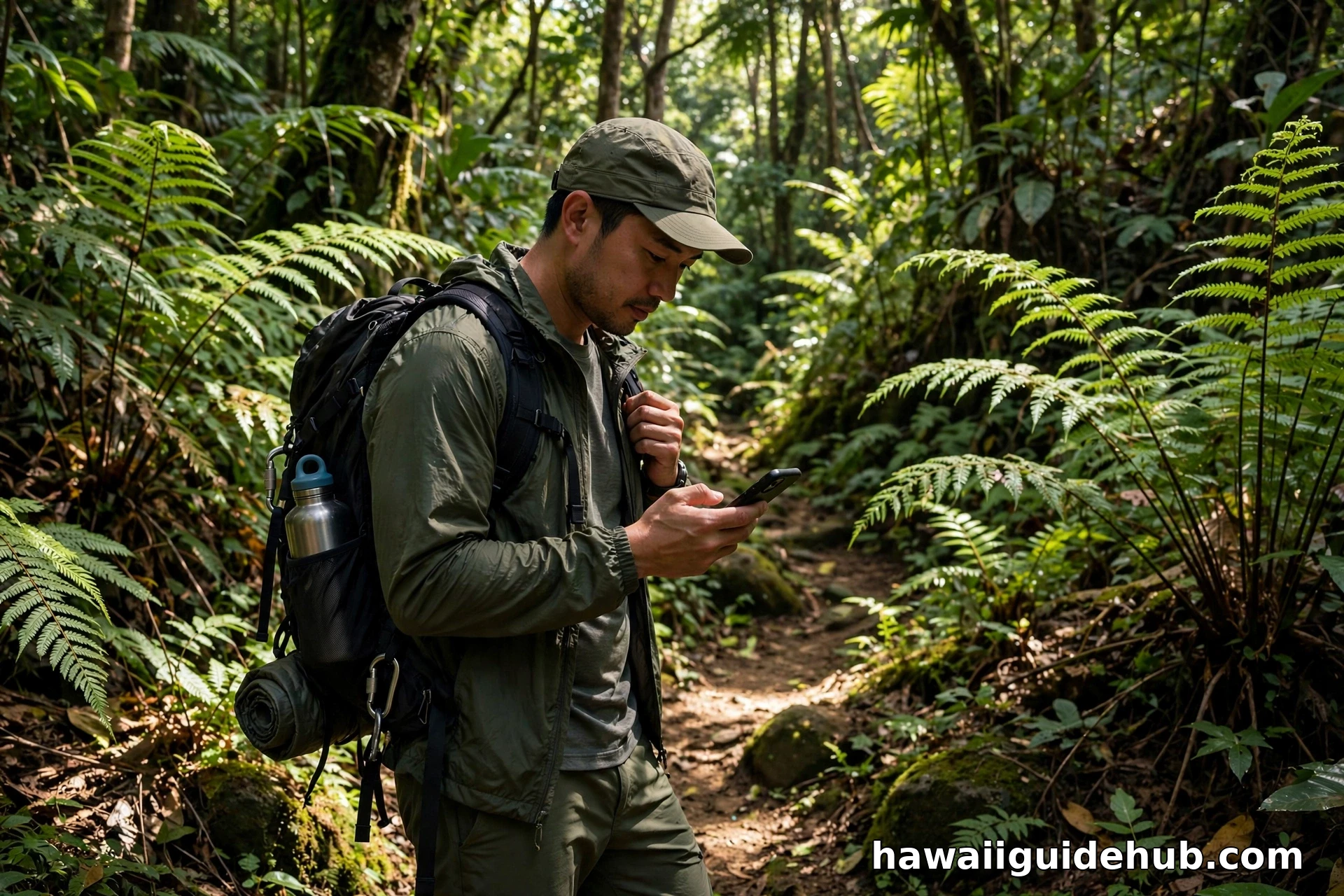
A dead zone is only a problem if you are depending on live data when you enter it. The fix is a short routine you do on WiFi before leaving. Download offline maps for your route and destination. Save the addresses of your hotel, your dinner spot, and the rental car return as favorites or screenshots. Screenshot or download reservation confirmations, like the Haleakalā sunrise reservation, that you will need to show without signal. Tell someone your plans before a remote hike, including when you expect to be back in coverage. Our guide to outdoor adventures in Hawaii covers the trails where this preparation matters most.
Pack a power bank. Phones burn battery fast when they hunt for a signal that is not there, and a dead phone in a dead zone is a double problem. Switch to airplane mode in long no-service stretches to save power; your offline maps and camera still work. If you are driving a remote route, a paper backup of key turns is old-fashioned and bulletproof. The visitors who get into trouble are the ones who assumed the map would always load.
Airplane Mode: Your Battery’s Best Friend
There is one more trick frequent Hawaii travelers swear by. When you know you are entering a long dead zone, switch your phone to airplane mode. A phone with no signal does not sit idle; it keeps shouting for a tower, and that shouting drains the battery far faster than normal use. In airplane mode, the radio goes quiet while your offline maps, downloaded playlists, and camera keep working. When you roll back into town and see houses again, switch airplane mode off and your messages will flood in. On a full day of remote exploring, this single habit can be the difference between a phone that lasts until dinner and one that dies by lunch.
Emergencies Without Signal
Here is the reassuring part. In the United States, 911 calls go through on any compatible phone even without a service plan or SIM card, as long as any carrier’s tower is in range. A phone showing no bars from your carrier may still reach 911 through another carrier’s tower. That is federal law, and it applies on every Hawaiian island.
Newer phones add another layer. Recent iPhone and Android models can send emergency SOS messages via satellite when no cellular or WiFi is available, which works in remote Hawaii exactly as it does anywhere in the U.S. It is not a substitute for preparation, but it is a genuine backstop on trails like the Kalalau, where traditional signal does not reach. For backcountry trips, some hikers also carry dedicated satellite communicators, which work independently of cell networks entirely.
Video: Oahu Travel Tips Including Staying Connected
A visitor’s Oahu travel guide with practical tips, including how to stay connected with hotel WiFi and prepaid SIM options.
Frequently Asked Questions
Will my U.S. phone plan charge roaming in Hawaii?
No. Hawaii is a U.S. state, so domestic plans treat it like any other state. Your minutes, texts, and data work the same as at home with no roaming charges. If you see a roaming indicator, it is usually a glitch from a weak signal near the water; it should clear on its own.
Which carrier has the best coverage in Hawaii?
It depends on the island and the specific area. All four major carriers serve Hawaii, and each has strengths in different places. Check the FCC National Broadband Map’s mobile layers for your carrier at your hotel and planned routes rather than relying on a general ranking.
Is there 5G in Hawaii?
Yes, in urban areas. Waikiki, downtown Honolulu, and other dense areas have 5G from the major carriers, and it is expanding. Outside the cities, 4G LTE is the standard and handles everything a visitor needs.
Can I buy a SIM card at the Honolulu airport?
SIM cards and eSIMs are available from airport shops, carrier stores, and big-box retailers around Honolulu. Airport prices run higher, so a carrier store in town is usually cheaper. Your phone must be unlocked to use a U.S. prepaid SIM.
What should I do if I get lost with no signal?
Stay calm and stay put if you are on a trail. Try calling or texting 911, which can connect through any carrier’s tower even without your carrier’s signal. If your phone supports satellite emergency SOS, follow its prompts. This is why downloading offline maps and telling someone your plans beforehand matters so much.
Does the Road to Hana have cell service?
Only in patches. Long stretches of the Road to Hana have no service at all, with signal returning near towns like Paia and Hana itself. Download the route offline, save your stops, and fuel up before leaving, because you cannot count on looking anything up along the way.
Hawaii rewards the prepared phone user. Check the FCC map for your carrier before you fly, download everything you need on hotel WiFi, and treat the famous dead zones as a feature rather than a bug: some of the most beautiful miles in the islands are the ones where nobody can reach you. With offline maps, a power bank, and WiFi calling enabled, you will stay connected everywhere it counts and enjoy the quiet everywhere else.